Project 102
The Power of Visual Thinking: Doodling Your Way to Clarity
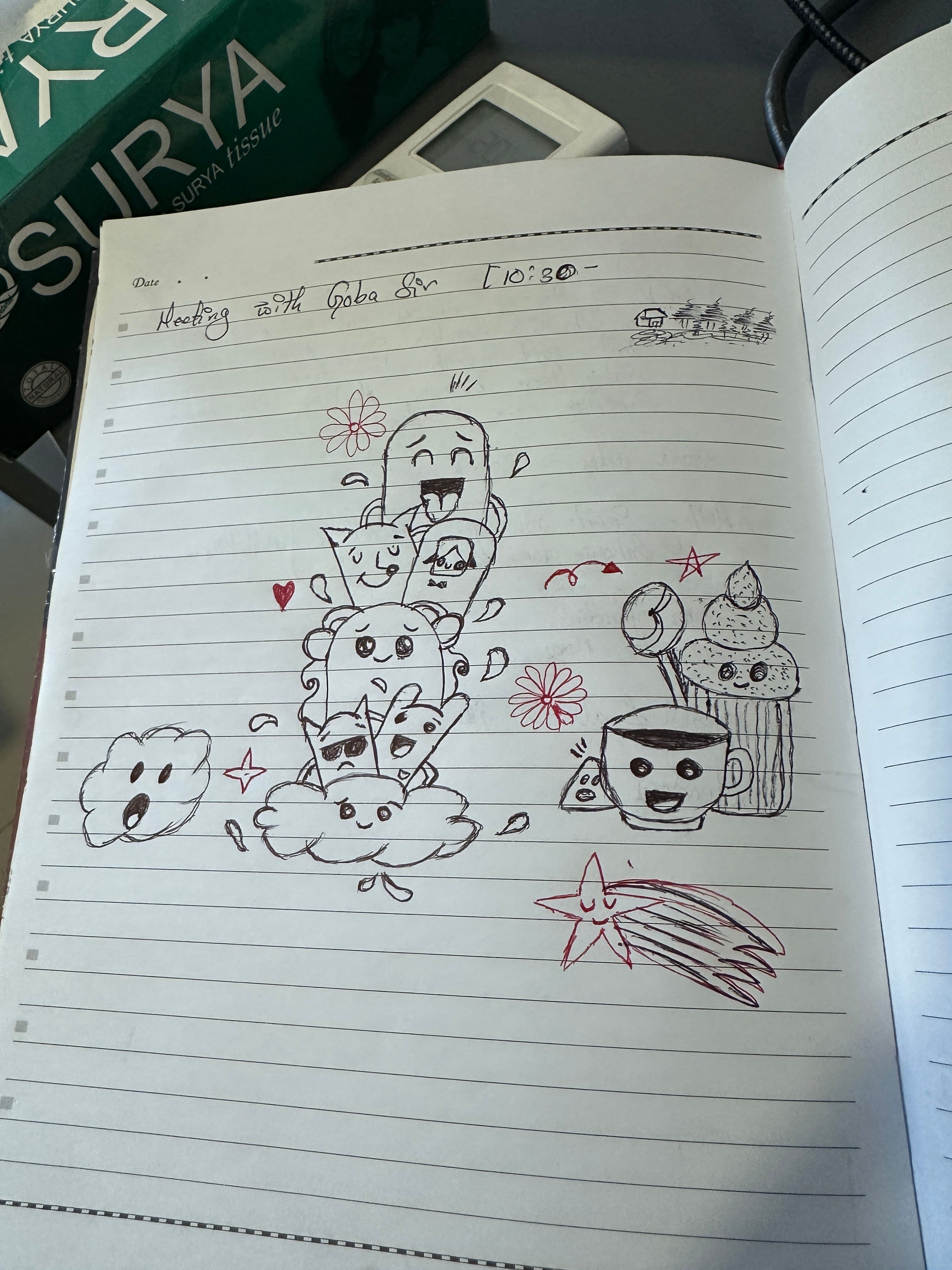
The Power of Visual Thinking: Doodling Your Way to Clarity
When you are staring at a blank text editor or a daunting codebase, the temptation is to start typing immediately. But some of the best architectural choices don't start in an IDE—they start on a physical piece of paper.
A quick doodle page might look like a distraction, but it is actually a powerful tool for mapping out software flow, visualizing component relationships, and keeping your mind engaged during deep work.
Break the digital friction
Staring at a flashing cursor creates pressure to write perfect code on the first try. Grabbing a pen and drawing simple characters or flowcharts breaks that friction. On paper, there are no syntax errors, no compiler warnings, and no rigid constraints. It allows you to think about the "big picture" before getting bogged down in implementation details.
Visualize your software layers
Just like the different characters in a sketch, components in an application have their own unique jobs and personalities:
- The Core Logic: The steady anchor holding the application state together.
- The Background Workers: The hidden pieces silently handling data fetching or intervals.
- The UI Elements: The expressive, front-facing components that interact directly with the user.
When you draw out how these pieces interact, you can catch architectural bottlenecks—like a component trying to do too many things at once—before you write a single line of CSS or JavaScript.
Keep it low-fidelity
The goal of brainstorming on paper isn't to create a masterpiece; it is to offload mental data.
- Use simple boxes for components.
- Draw arrows to represent data flow.
- Jot down quick micro-notes or features around the margins.
If you cannot sketch the basic interaction of your feature in a small notebook, the feature itself might be over-engineered.
Wrapping up
Digital tools are perfect for execution, but analog tools are unmatched for exploration. The next time you find yourself stuck on how to structure a new module or solve a tricky bug, step away from the keyboard. Grab a notebook, draw it out, and let your brain process the problem visually.