Black Myth: Wukong on GameHub for macOS — Fix Error 10007 Save Failed + Chinese Language
A practical fix for Black Myth: Wukong running through GameHub on Apple Silicon Mac when: The game launches normally. Gameplay works. Saving produces Error 10007 / Save Failed. The game starts in Chinese and there is no usable language option in the game menu.
Black Myth: Wukong on GameHub for macOS — Fix Error 10007 Save Failed + Chinese Language
A practical fix for Black Myth: Wukong running through GameHub on Apple Silicon Mac when:
- The game launches normally.
- Gameplay works.
- Saving produces Error 10007 / Save Failed.
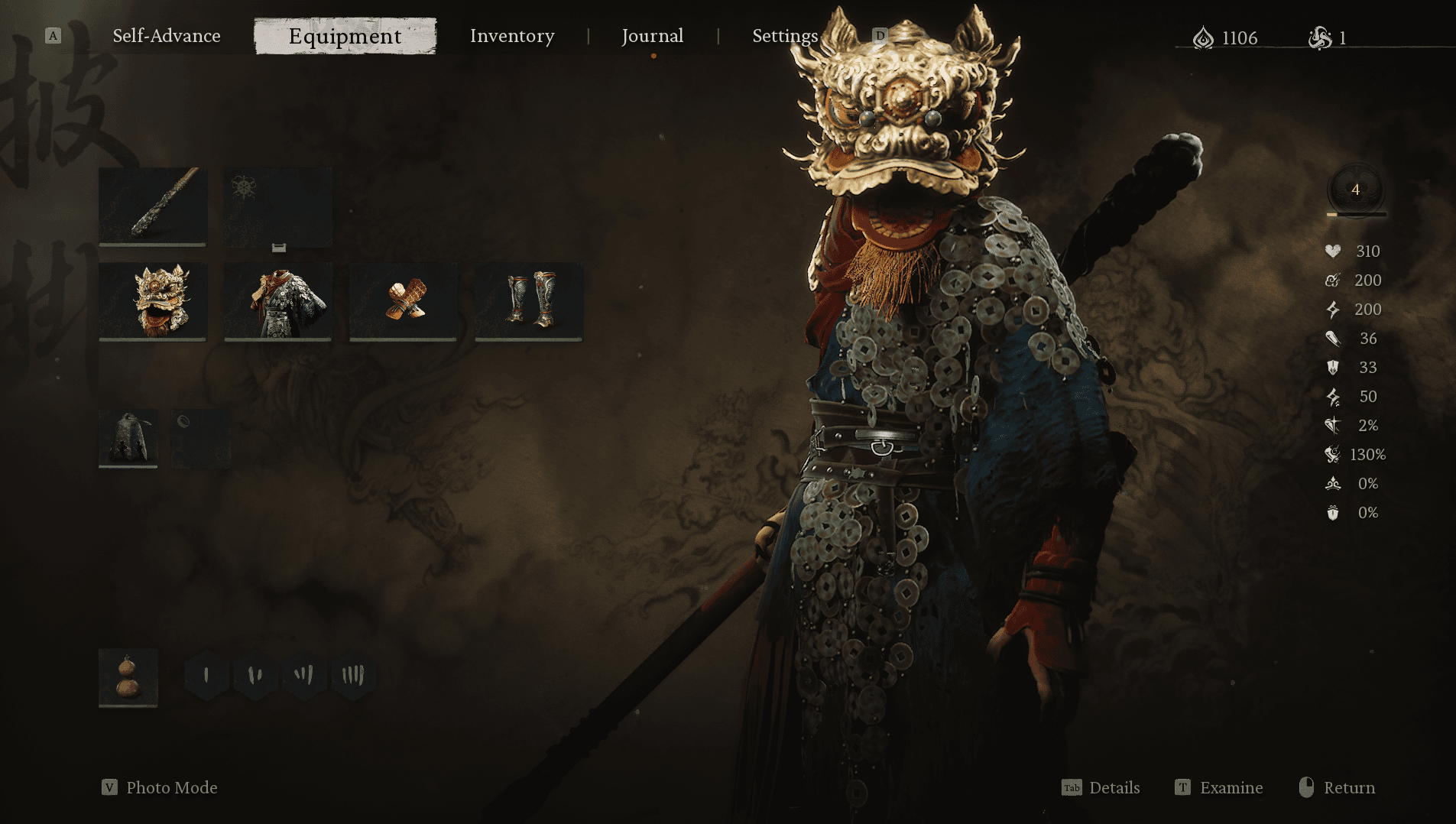
- The game starts in Chinese and there is no usable language option in the game menu.
This guide documents a working GameHub/macOS setup where the game is moved into GameHub's actual Wine C: drive.
Important: This is a GameHub/macOS-specific workaround that was successfully tested on Apple Silicon. Error 10007 can have different causes on Windows or other Wine configurations.
The short version
The important part of the save fix is:
Instead of:
Z:\Users\<username>\Games\BlackMythWukong
Use:
C:\BlackMythWukong
In GameHub, the game should physically reside inside the container's:
drive_c/BlackMythWukong
After doing this, autosaving worked and the save survived a complete game restart.
For the Chinese language issue, edit:
%LOCALAPPDATA%\b1\Saved\Config\Windows\GameUserSettings.ini
and change:
FirstSettingFinish=True
to:
FirstSettingFinish=False
Launch the game, complete the first-time setup, and select English.
Part 1 — Fix Error 10007 Save Failed
Why this happens
Black Myth: Wukong normally stores important save data under its game installation:
b1/Saved/SaveGames/
GameHub uses Wine containers and provides Windows applications with Windows-style drives such as C: and Z:.
In the problematic setup, Wukong was being launched from a macOS path:
Z:\Users\<username>\Games\BlackMythWukong
Even though the macOS filesystem itself was writable, Wukong continued reporting Error 10007.
Moving the game into GameHub's actual C: drive resolved the problem in this tested setup.
Other Wukong players have also reported location/storage-related fixes for Error 10007, although this is not the only known cause.
1. Close GameHub
Completely exit:
- Black Myth: Wukong
- GameHub
Do not perform the move while the game is running.
2. Find GameHub's virtual container
For the GameHub setup used in this guide:
VC="$HOME/Library/Application Support/com.gamemac.www/wine-engine/containers/virtual_containers/1"
The Wine C: drive is:
$VC/drive_c
3. Check available space
The game is large, so check your available storage first:
GAME="/Users/$USER/Games/BlackMythWukong"
du -sh "$GAME"
df -h "$HOME" | tail -1
You need enough free space for the operation.
If the source and destination are on the same filesystem, mv can perform a filesystem rename rather than creating another complete copy.
4. Make sure the destination does not already exist
VC="$HOME/Library/Application Support/com.gamemac.www/wine-engine/containers/virtual_containers/1"
TARGET="$VC/drive_c/BlackMythWukong"
if [ -e "$TARGET" ]; then
echo "WARNING: TARGET ALREADY EXISTS"
ls -ld "$TARGET"
else
echo "TARGET DOES NOT EXIST — SAFE TO MOVE"
fi
Do not continue if the target already contains another Wukong installation.
5. Move the game into GameHub C:
Assuming your original installation is:
/Users/<username>/Games/BlackMythWukong
run:
GAME="/Users/$USER/Games/BlackMythWukong"
VC="$HOME/Library/Application Support/com.gamemac.www/wine-engine/containers/virtual_containers/1"
TARGET="$VC/drive_c/BlackMythWukong"
mv "$GAME" "$TARGET"
Do not use cp for this step unless you intentionally want a second copy.
6. Verify the game
VC="$HOME/Library/Application Support/com.gamemac.www/wine-engine/containers/virtual_containers/1"
TARGET="$VC/drive_c/BlackMythWukong"
ls -lh "$TARGET/b1.exe"
ls -lh "$TARGET/b1/Binaries/Win64/b1-Win64-Shipping.exe"
You should have:
C:\BlackMythWukong\b1.exe
and:
C:\BlackMythWukong\b1\Binaries\Win64\b1-Win64-Shipping.exe
7. Update GameHub's game record
GameHub stores information about imported games in:
~/Library/Application Support/com.gamemac.www/gamehub/
Before editing anything, make backups.
Example:
GAMEHUB="$HOME/Library/Application Support/com.gamemac.www/gamehub"
cp "$GAMEHUB/game_container_store.json" \
"$GAMEHUB/game_container_store.json.backup"
cp "$GAMEHUB/game-library/local_624f510f-8814-4295-a24f-01a058d57ea9-f73e8aa0.json" \
"$GAMEHUB/game-library/local_624f510f-8814-4295-a24f-01a058d57ea9-f73e8aa0.json.backup"
Your game ID will be different. Don't copy the example ID blindly. Find the appropriate game-library JSON for your installation.
The GameHub container binding also needs to point to the new macOS path:
.../virtual_containers/1/drive_c/BlackMythWukong/b1.exe
The exact GameHub database structure can vary between versions, so inspect the configuration before editing it.
8. Verify that GameHub points to the new location
The important path should now be equivalent to:
/Users/<username>/Library/Application Support/com.gamemac.www/
wine-engine/containers/virtual_containers/1/
drive_c/BlackMythWukong/b1.exe
GameHub should launch the game from its container's C: drive rather than:
Z:\Users\<username>\Games\BlackMythWukong
GameHub supports per-game game paths and compatibility profiles, including Wine version, sync mode, language and launch arguments.
9. Test saving
Launch the game through GameHub.
Play until an autosave/checkpoint occurs.
Do not assume the problem is fixed merely because the 10007 popup disappears.
The important test is:
- Play.
- Trigger an autosave.
- Exit the game normally.
- Launch it again.
- Confirm your progress is still present.
If the progress survives a complete restart, the save fix is confirmed.
Part 2 — Fix Chinese Language
If Black Myth: Wukong launches in Chinese and there is no useful language option in the game menu, locate:
%LOCALAPPDATA%\b1\Saved\Config\Windows\GameUserSettings.ini
Inside GameHub/Wine, this will usually be under:
C:\users\steamuser\AppData\Local\b1\Saved\Config\Windows\
For the GameHub container used in this guide:
VC="$HOME/Library/Application Support/com.gamemac.www/wine-engine/containers/virtual_containers/1"
INI="$VC/drive_c/users/steamuser/AppData/Local/b1/Saved/Config/Windows/GameUserSettings.ini"
Check the setting:
grep -n "FirstSettingFinish" "$INI"
If you see:
FirstSettingFinish=True
make a backup:
cp "$INI" "$INI.backup-before-language"
Then change:
FirstSettingFinish=True
to:
FirstSettingFinish=False
For example:
python3 - <<'PY'
import os
ini = os.path.expanduser(
"~/Library/Application Support/com.gamemac.www/wine-engine/containers/virtual_containers/1/drive_c/users/steamuser/AppData/Local/b1/Saved/Config/Windows/GameUserSettings.ini"
)
with open(ini, "r", encoding="utf-8") as f:
data = f.read()
old = "FirstSettingFinish=True"
new = "FirstSettingFinish=False"
if old not in data:
raise SystemExit("FirstSettingFinish=True was not found.")
data = data.replace(old, new, 1)
with open(ini, "w", encoding="utf-8") as f:
f.write(data)
print("Language setup reset successfully.")
PY
Verify:
grep -n "FirstSettingFinish" "$INI"
It should show:
FirstSettingFinish=False
10. Launch Wukong and select English
Launch the game normally through GameHub.
The first-time setup should appear again.
Select:
English
After the game has started successfully, you normally do not need to keep changing the INI file.
In our tested setup, English remained active after completely restarting the game.
The FirstSettingFinish=False method is also independently reported by Wukong players as a way to trigger the language-selection setup.
Important warnings
Do NOT move the game back
Once the C: setup is working, keep the game here:
C:\BlackMythWukong
Do not move it back to:
Z:\Users\<username>\Games\BlackMythWukong
unless you have a specific reason.
Do NOT delete the GameHub container
Your saves and configuration are now working inside the container.
Deleting/recreating the container can remove or reset:
- Wine configuration
- game configuration
- saves
- compatibility settings
Back up your saves before experimenting.
Do NOT repeatedly change FirstSettingFinish
Use:
FirstSettingFinish=False
to trigger the initial language setup.
Once English is selected and persists after restarting, leave the setting alone.
Save location
The important Wukong save directory is:
C:\BlackMythWukong\b1\Saved\SaveGames\
On the Mac filesystem for this GameHub container:
VC="$HOME/Library/Application Support/com.gamemac.www/wine-engine/containers/virtual_containers/1"
open "$VC/drive_c/BlackMythWukong/b1/Saved/SaveGames"
Back up this directory if you have important progress.
Troubleshooting checklist
If Error 10007 continues:
Check 1 — Is the game actually on C:?
The executable should be:
C:\BlackMythWukong\b1.exe
not:
Z:\Users\<username>\Games\BlackMythWukong\b1.exe
Check 2 — Does the save directory exist?
C:\BlackMythWukong\b1\Saved\SaveGames\
Check 3 — Does the game create .sav files?
Look for files such as:
ArchiveSaveFile.1.sav
ArchiveSaveFile.2.sav
UserSettingSaveGame.sav
Check 4 — Test after restarting
The strongest test is:
Save → Exit → Launch → Progress still exists
Don't rely solely on whether the 10007 popup disappears.
Why this guide is different
There are many generic Error 10007 suggestions online, including antivirus exclusions, permissions, running as administrator, and moving the game to another location.
This guide specifically targets the GameHub + Wine + macOS filesystem setup.
The tested solution was:
Black Myth: Wukong
↓
GameHub
↓
Wine container
↓
C:\BlackMythWukong
↓
Save works
rather than running the game directly from the macOS filesystem through Wine's Z: drive.
Result
After applying the above setup:
✅ Black Myth: Wukong launches
✅ Game runs normally
✅ Autosave works
✅ Error 10007 is gone
✅ Progress survives restart
✅ Chinese language can be reset
✅ English remains after restarting
Disclaimer
This guide documents a configuration that was successfully tested on an Apple Silicon Mac using GameHub.
GameHub versions, Wine engines, container layouts and Black Myth: Wukong builds can change. Paths shown above may therefore differ on another installation.
Always back up your save data before modifying Wine containers or configuration files.